
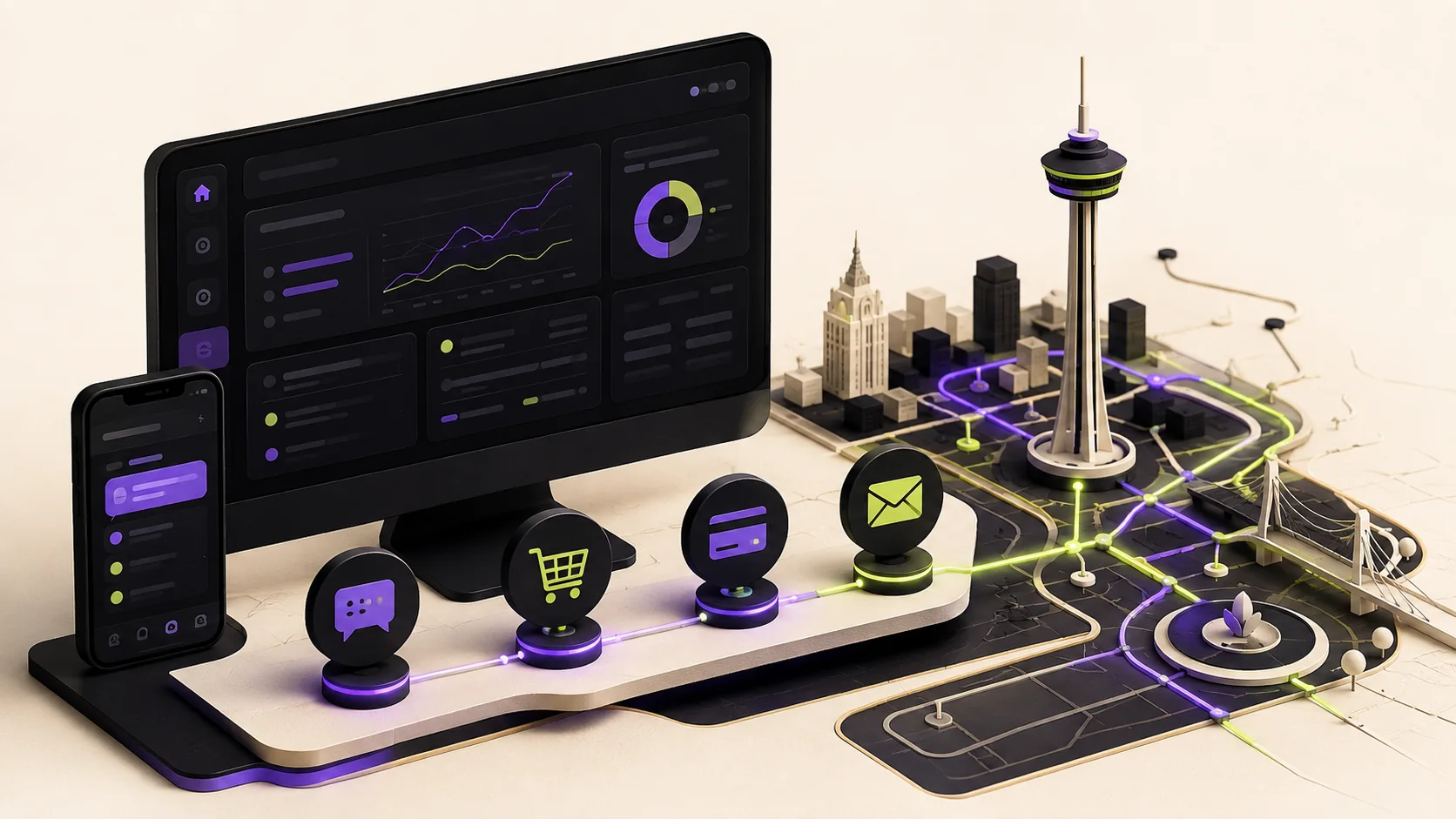
The best small-business automation does not begin with AI. It begins with the repeated tasks that cost your team time, create mistakes, or make customers wait. For a San Antonio business, that may mean routing new leads, organizing orders, recording manual payments, sending status updates, or making accurate information easier to find online.
AI can make a good system faster. It cannot rescue a confusing process. Before paying for another subscription, business owners should decide what needs to happen, who is responsible, what information must be protected, and where a human decision still matters.
That distinction is especially relevant in San Antonio, where owner-operated companies often balance growth with small teams, narrow margins, and a lot of hands-on work. A recent local example is Mattenga’s Pizzeria, which consolidated parts of its website, ordering, customer app, and review follow-up into one system. The lesson is not that every business needs that exact platform. It is that connected tools are most valuable when they remove friction from a real operating problem.
Seven automations worth fixing before you add AI
1. Lead intake and response
A contact form should do more than send an email into a crowded inbox. A strong lead system records the inquiry, confirms that it was received, routes it to the right person, and makes the next action obvious. Useful fields qualify the project without turning the form into an interrogation.
For service businesses, this is often the highest-value place to start. Fast, organized follow-up can be the difference between winning a qualified local lead and discovering three days later that the prospect hired someone else.
2. Order and payment visibility
Your website, payment records, and internal order view should agree. Staff should be able to see what was ordered, how the customer intends to pay, whether payment is actually confirmed, and what must happen next.
This matters even more when a business accepts payment outside the normal checkout flow. Cash App, cash, bank transfers, and other manual methods should never be marked paid automatically. The system can organize the work, but a trusted person should confirm that funds were received.
3. Customer status updates
Customers should not have to call to ask whether an order was received, approved, in progress, ready, or complete. Clear status language and carefully timed notifications reduce support work while giving the customer confidence.
The key word is carefully. A useful update answers a question. A stream of generic messages trains people to ignore you.
4. Scheduling, pickup, and availability
If your business depends on appointments, production windows, inventory, or pickup times, availability should be enforced by the system—not remembered manually. That can include lead times, capacity limits, blackout dates, location instructions, and accessible pickup accommodations.
Customers get a clearer promise. Owners avoid accepting work they cannot fulfill. Both sides spend less time untangling exceptions.
5. Reviews and follow-up
A polite review request sent after a successful purchase can strengthen trust and local visibility. A follow-up can also invite a repeat order, explain maintenance, or ask whether the customer needs help.
Do not automate reputation at the expense of the relationship. Give people a real way to report a problem privately, and never manufacture reviews or incentives that violate platform rules.
6. Accurate business information
Hours, services, phone numbers, service areas, pricing expectations, and availability can drift across a website, Google Business Profile, social pages, and directories. That is a customer-experience problem and a search problem.
Google explains that local results are mainly based on relevance, distance, and prominence. Complete, consistent information helps the platform understand what a business offers and whether it is useful for a nearby searcher. A maintainable website and a simple update checklist are often more valuable than another “SEO trick.”
7. Internal dashboards for the work that matters
Many owners do not need a giant enterprise platform. They need one calm screen that shows today’s important work: new inquiries, open orders, payment state, customer details, and the next decision.
A focused dashboard can sit on top of the website and commerce tools a business already uses. When built correctly, it reduces training, protects sensitive information by role, and keeps the original system as the source of truth.
A real example: the Savage BioCore order desk
For Savage BioCore, the useful automation was not a chatbot. It was a clearer bridge between members, WooCommerce, and the people responsible for fulfilling orders.
- Logged-in members can review their own purchase history and order status.
- Authorized administrators have a private, mobile-friendly order desk with customer, product, payment, and fulfillment details.
- Manual payment methods remain unconfirmed until a person verifies the money was received.
- High-impact actions stay deliberate, permission-checked, and reversible where possible.
- WooCommerce remains the authoritative order record instead of creating a fragile second database.
The result is less time hunting through the WordPress dashboard and a better view of what needs attention. That is what useful automation looks like: fewer loose ends, clearer responsibility, and no pretending that every decision belongs to software. You can visit the live Savage BioCore site or see more examples in my selected work.
What should stay human?
Automation is strongest around predictable, low-risk steps. People should remain in control when context, judgment, money, privacy, or reputation is involved.
- Approving or rejecting unusual orders
- Confirming payments received outside checkout
- Issuing refunds or deleting business records
- Handling complaints, accessibility needs, and sensitive customer information
- Making promises that affect price, scope, safety, or delivery
Does your San Antonio business need a custom app?
Maybe—but “app” should describe the solution, not the starting point. A custom dashboard becomes worthwhile when a repeated task crosses several systems, creates expensive mistakes, or takes enough staff time that a simpler interface will quickly pay for itself.
If customers mainly struggle to understand your offer, find your hours, request a quote, or complete checkout on a phone, improve the website first. If staff repeatedly copy the same information between inboxes, spreadsheets, payment apps, and an ecommerce system, a tailored internal tool may be the better investment.
How automation supports local SEO and AI search
Automation does not create rankings by itself. It can, however, make the signals behind visibility more accurate and sustainable.
- Clear entity information: use the same business name, services, service area, contact details, and hours wherever customers and search engines encounter you.
- Useful local pages: answer the questions San Antonio customers actually ask, with original examples instead of interchangeable city-name pages.
- Structured information: appropriate LocalBusiness structured data can help machines interpret hours, location, and business details.
- Credible proof: case studies, reviews, photos, policies, and specific process details give both people and answer engines more evidence to evaluate.
- Accessible, fast pages: semantic headings, readable contrast, keyboard support, mobile usability, and lean media improve the experience for customers and crawlers alike.
Local authority also grows through real participation. San Antonio owners can find training and support through the City’s small-business resource partners, including Launch SA, LiftFund, Maestro Entrepreneur Center, San Antonio SCORE, the SBA San Antonio office, and the UTSA Small Business Development Center.
A 30-minute automation audit
Write down the last ten customer interactions your business handled. For each one, ask:
- Where did the information enter the business?
- Did anyone copy it into another tool?
- What did the customer have to wait or ask for?
- Which step followed the same rule every time?
- Which step required judgment or access to sensitive information?
The repeated, rules-based steps are candidates for automation. The judgment-heavy steps need a better interface, clear permissions, and a responsible person.
Frequently asked questions
What should a San Antonio small business automate first?
Start with one frequent bottleneck that has a clear rule and measurable cost. Lead routing, order status, appointment reminders, payment records, and review follow-up are common first projects.
Does automation improve local SEO?
Not directly. It can help keep hours, services, customer follow-up, and other local signals accurate. Rankings still depend on relevance, distance, prominence, competition, and the quality of the customer experience.
Does a small business need a custom app?
Only when the workflow justifies it. Many businesses are better served by improving their existing website and connecting the tools they already use. A custom dashboard makes sense when it simplifies recurring work that generic software handles poorly.
Can WooCommerce track Cash App or other manual payments?
Yes. WooCommerce can record a manual payment method and keep the order in an appropriate unpaid or pending state. An authorized person should verify receipt before changing the order to paid or processing.
Build the useful system first
You do not need the most complicated technology. You need a system your customers can understand, your team can maintain, and your business can trust.
I design fast, accessible websites and focused digital tools for San Antonio businesses and clients beyond Texas. If your current process is held together by an inbox, a spreadsheet, and memory, tell me where it keeps breaking. We can turn the right part into a clear, maintainable workflow.